Manage Solutions
Here you can manage solution information. You must be identified as the investigator to delete or update a solution description in the database.
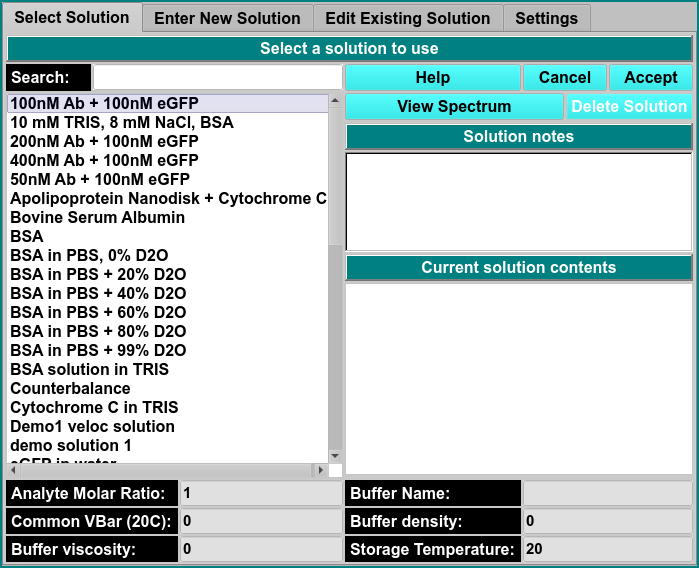
Solution Management: Enter New Solution
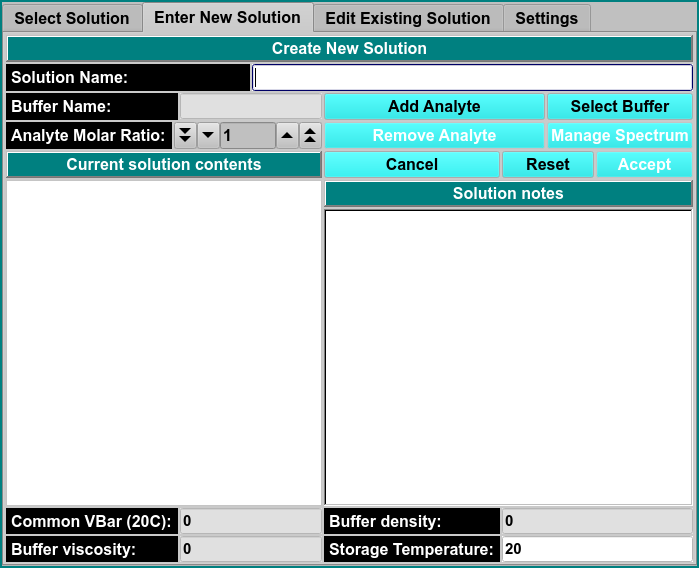
\(\textbf{Solution Name}\) Enter the name of the solution.
\(\textbf{Buffer Name}\) Enter the name of the buffer.
\(\textbf{Analyte Molar Ratio}\) Edit this control to indicate the relative concentration of the new component that is being added.
\(\textbf{Add Analyte}\) Click here to add or change a component to the current solution.
\(\textbf{Select Buffer}\) Initates a dialog to create or select an existing buffer to the current solution definition in the DB or local disk.
\(\textbf{Common Vbar (20C)}\)
\(\textbf{Viscosity}\)
\(\textbf{Buffer Density}\)
\(\textbf{Storage Temperature}\)